A QR code menu you never have to reprint
Print one QR code for your tables. Guests scan it with their camera and the menu opens on their phone — no app. Change a price or add a dish and the same code serves the new menu.
Live demo
Scan the code, get the menu
Point your phone's camera at it — it opens a real Menoodo demo menu.
Just need a code for another link? Try the free QR code generator.
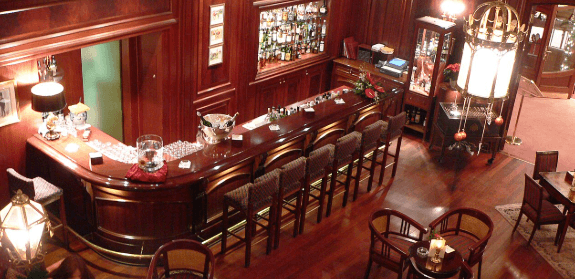

Fox & Ember
Cocktails
Negroni
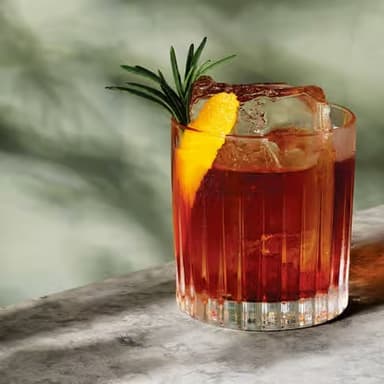
Espresso martini
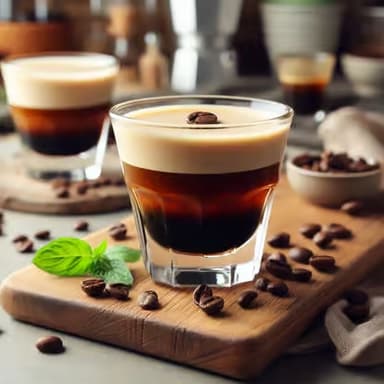
Smoked old fashioned
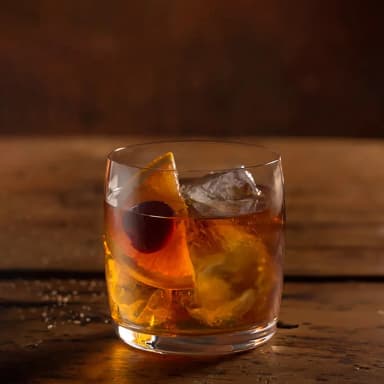
Paloma
Bites
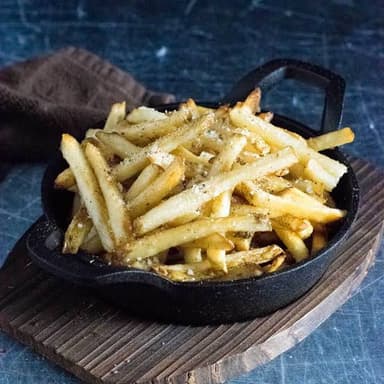
Truffle fries
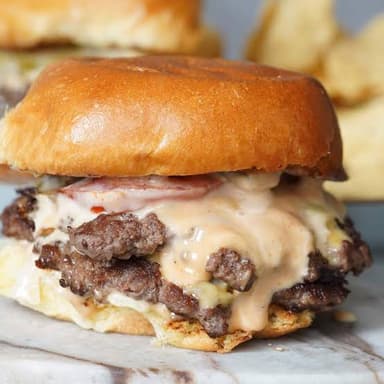
Smash sliders
Marinated olives
Chicken wings
Zero proof
Ginger fizz
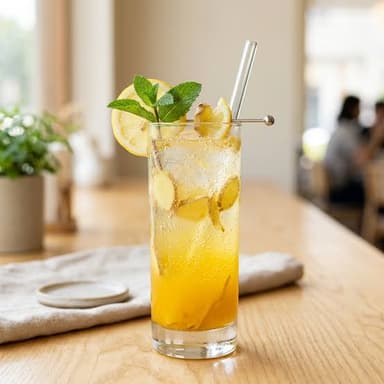
Cucumber cooler
How it works
- 1
Build your menu, design your code
Add your dishes — or import them from a PDF, a link or a spreadsheet — then pick the code's colors and drop your logo in the center.
- 2
Print it once
Download the code as PNG or SVG and print it for the tables, the counter, the window. Any phone camera reads it.
- 3
Edit the menu, keep the code
The code points at your menu, not at a file. Change prices, mark a dish sold out or add a language, and the code already on the table shows it.
Questions restaurants ask
- Do I have to reprint the QR code when the menu changes?
- No. The code opens your menu's link, and the menu lives online — every edit you save is what the next guest sees. You only reprint if you want a new design.
- What's the difference between this and the free QR code generator?
- The generator makes a static code for any link — if the link changes, so must the code. A Menoodo menu code points at a menu you edit from the dashboard, so it stays valid however often the menu changes.
- Do guests need an app to read the QR code?
- No. Every modern phone camera recognizes QR codes, and the menu opens in the browser. Guests can also use their phone's built-in QR scanner.
- How big should I print the code?
- About 7 × 7 cm on a table card scans comfortably from across the table. The dashboard exports a vector SVG, so you can scale it to a window or a wall without losing sharpness.
- Is the QR code menu free?
- Yes. The free Hobby plan includes the menu, the QR designer with your colors and logo, and PNG and SVG downloads. The paid plans add more languages, products and restaurants.
Put a menu behind your QR code tonight
Build the menu, download the code, print it. Free to start, no card required.